A comprehensive, single-file, PHP-based web shell and server management interface. It's designed for server administrators and security professionals to facilitate system inspection, management, and basic network operations through a user-friendly, retro-themed web interface.

- Secure Authentication: Password-protected login to prevent unauthorized access. The default password is
myp@ssw0rd. - IP & User-Agent Whitelisting: Optional security layers to restrict access based on IP address or the browser/tool user-agent string.
-
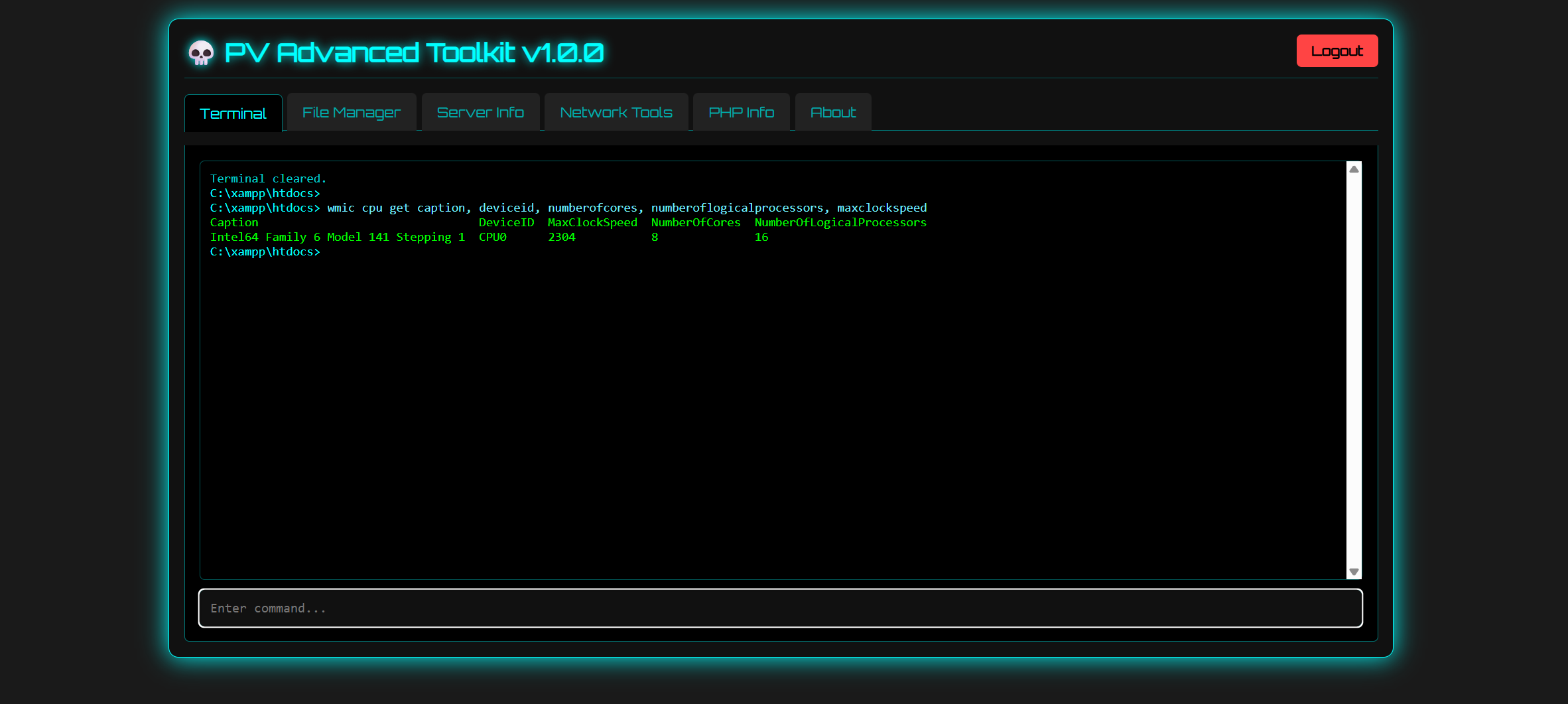
Interactive Terminal Emulator:
- Execute shell commands directly on the server.
- Abort Command: A new 'Abort' button allows you to terminate long-running commands, similar to pressing
CTRL+C. - Support for long-running commands (e.g., scripts, network tasks) via real-time output streaming, preventing AJAX timeouts.
- Intelligent Command Execution: Automatically finds and uses an available command execution function (
proc_open,popen,shell_exec,system,passthru,exec) for maximum compatibility. - Command history navigation using Up/Down arrow keys.
- Maintains the current working directory throughout the session.
- Renders HTML from server errors (e.g., HTTP 500) directly within the terminal for easier debugging.
-
Advanced File Manager:
- Large File Support: Upload files of virtually any size (e.g., 1GB+) thanks to a new chunked uploading mechanism that bypasses PHP's
upload_max_filesizeandpost_max_sizelimitations. - Upload Progress: Monitor uploads in real-time with individual progress bars for each file.
- Bulk Actions: Select multiple files/folders to perform actions like Delete, Copy, Move, or Compress (into
.zip,.tar.gz, or.tar.bz2archives) all at once. - Navigation: Navigate directories easily with clickable breadcrumb links or by typing directly into an editable path bar. Drive detection on Windows for quick access.
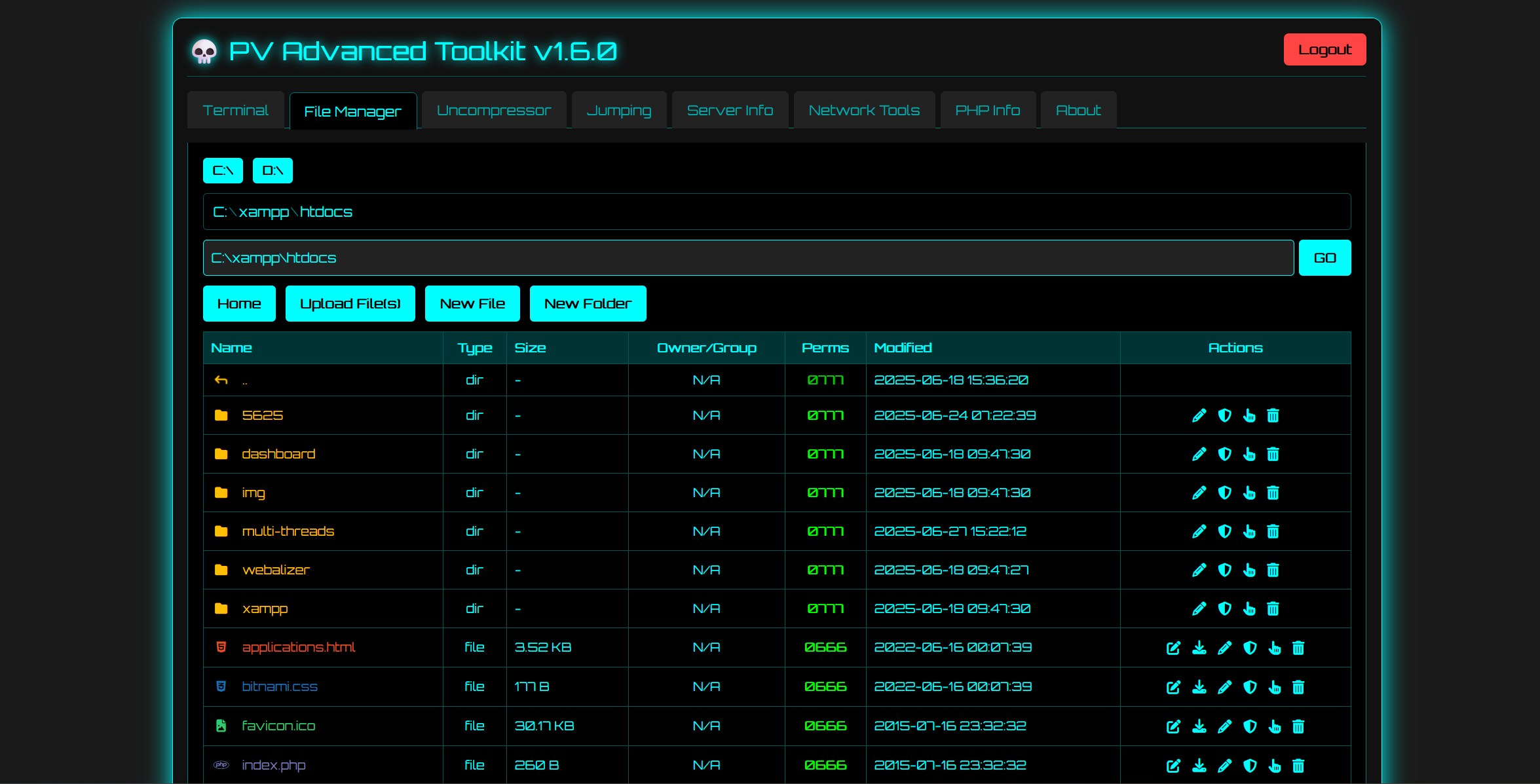
- Browse server directories and view detailed file/folder information (name, type, human-readable size, owner/group, octal permissions, last modified date).
- File Operations:
- View/Edit text-based files in a modal editor.
- Download any file directly to your local machine.
- Rename files and folders.
- Change file/folder permissions (chmod).
- Update file timestamps (touch).
- Delete files and folders (with recursive deletion for non-empty folders).
- Creation Tools: Create new empty files and new folders.
- Visual Icons: Unique icons for dozens of file types for quick identification.
- Large File Support: Upload files of virtually any size (e.g., 1GB+) thanks to a new chunked uploading mechanism that bypasses PHP's
-
Uncompressor:
- Extract compressed archives directly on the server.
- Supports both uploading a compressed file or specifying a path to a file already on the server.
- Supported Formats:
.zip,.tar(including.tar.gz,.tar.bz2),.rar,.7z. - Dependency-Aware: Uses built-in PHP classes (
ZipArchive,PharData) where possible and falls back to command-line tools (unrar,7z) if they are installed on the server. The UI shows which extractors are available.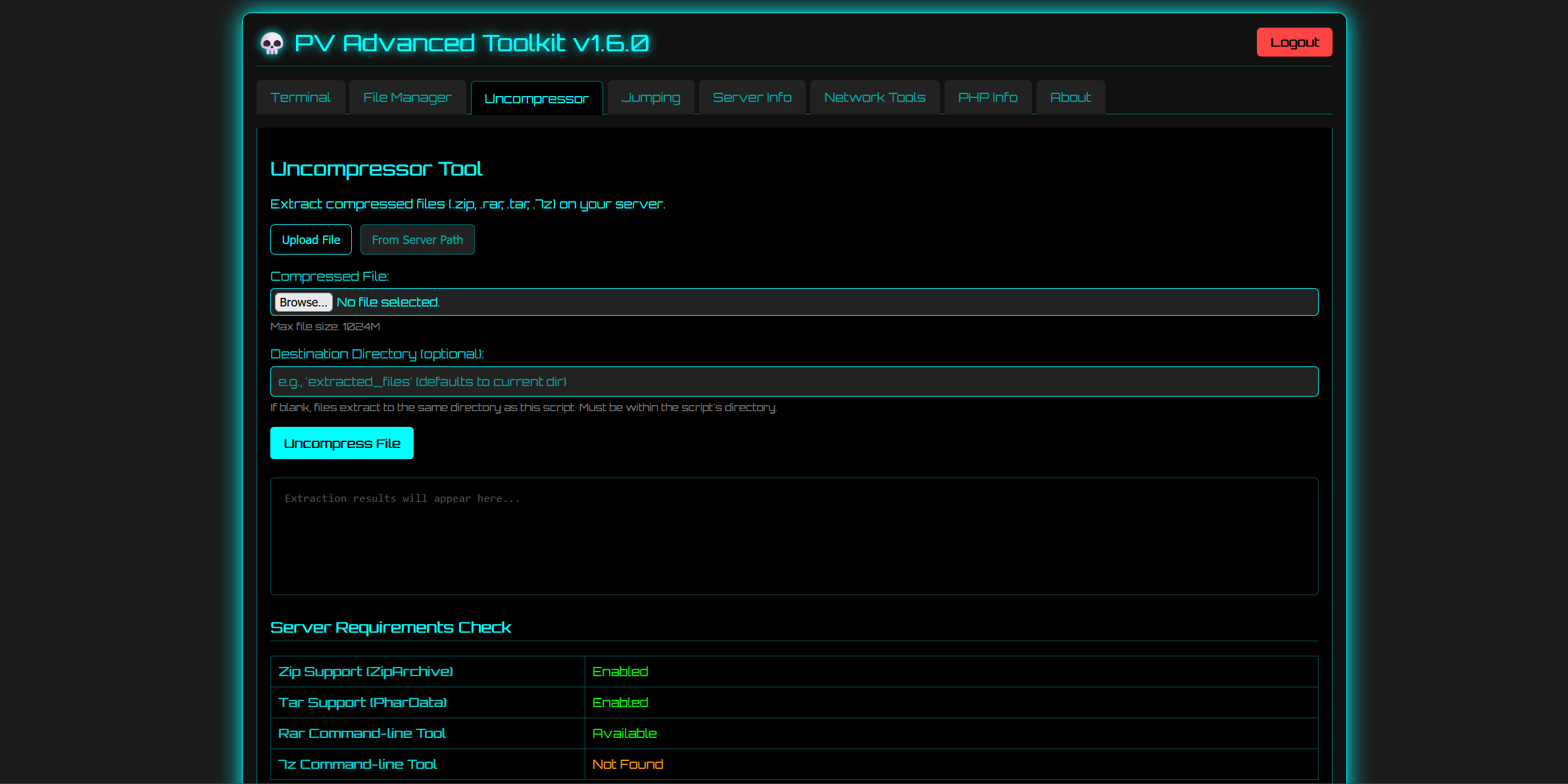
-
Jumping (Linux Only):
- A server misconfiguration scanner designed for shared hosting environments.
- It scans the
/homedirectory for other users'public_htmlfolders that are incorrectly configured to be readable or writable by the current user.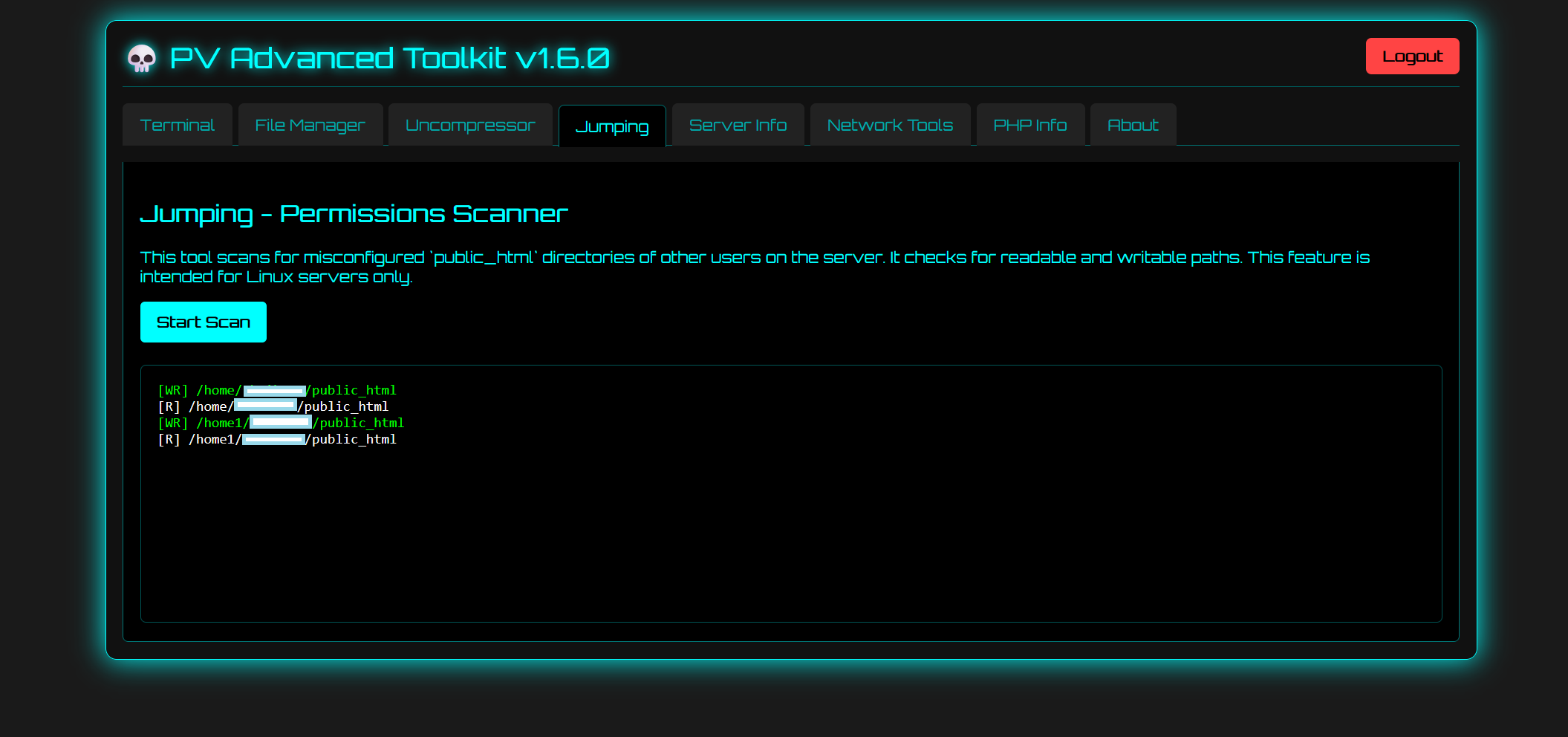
-
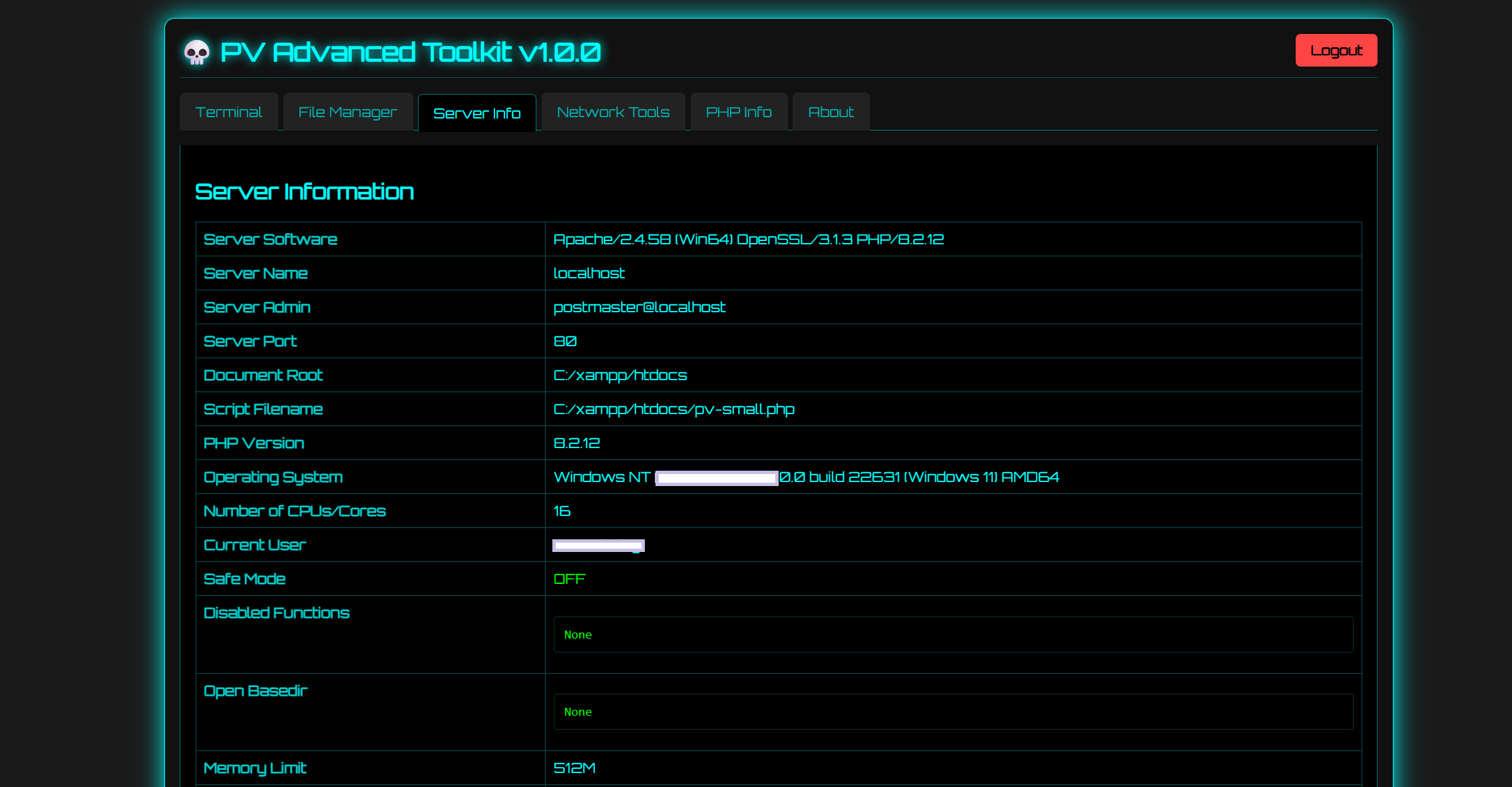
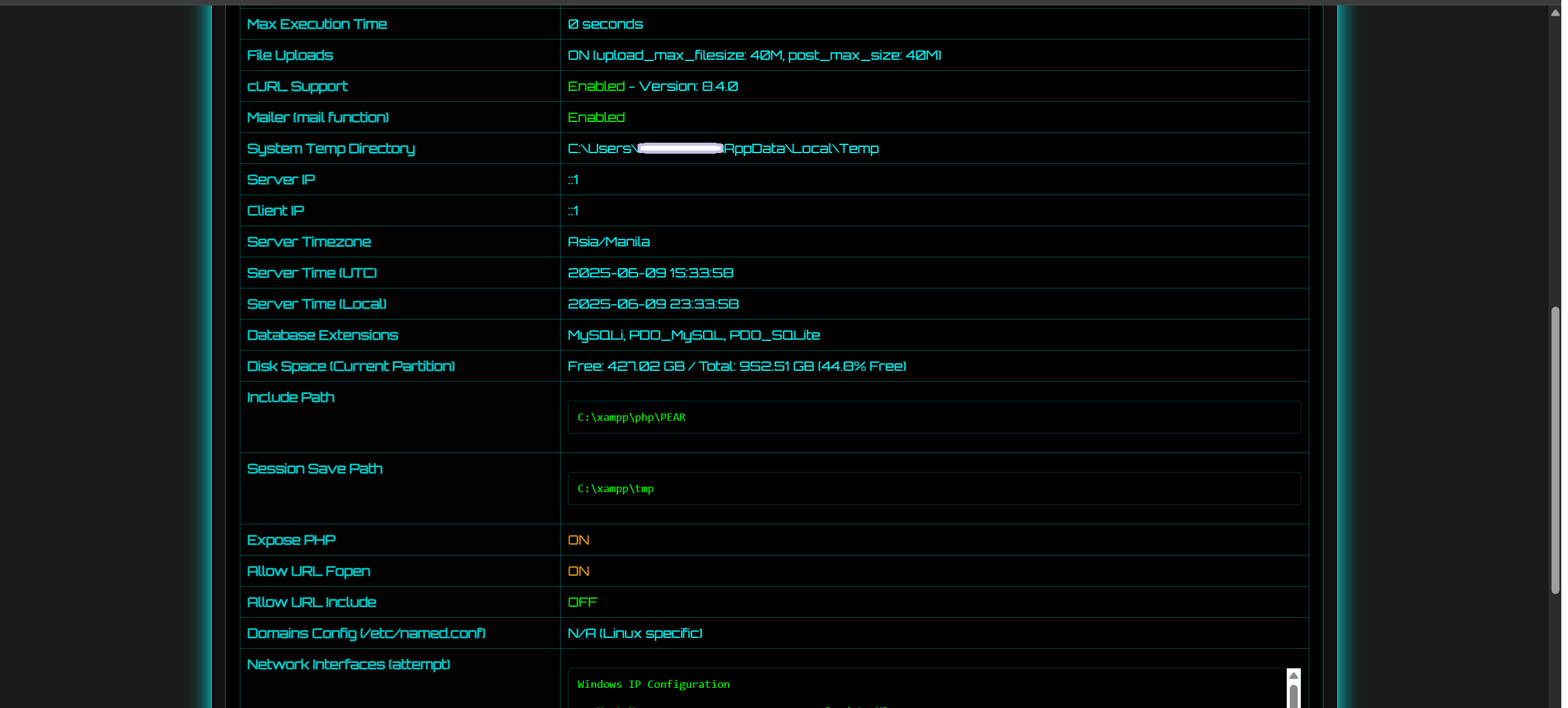
Server Information Panel:
- Displays a comprehensive overview of the server environment, including software, PHP version, OS, CPU info, and user info.
- Danger Scan: Features an enhanced scanner that detects a wide range of security software like WAFs (Imunify360, ModSecurity), HIDS/IPS (OSSEC, Wazuh), Antivirus (ClamAV, Maldet), and kernel hardening (SELinux, AppArmor).
-
Network Tools:
- PHP Foreground Shells: Includes Port Bind and Back Connect interactive shells. (Note: These will cause the web page to hang while active.)
- Utilities: Provides Ping, DNS Lookup, and a Port Scanner that supports single ports, comma-separated lists, and ranges (e.g.,
80,443,8000-8080).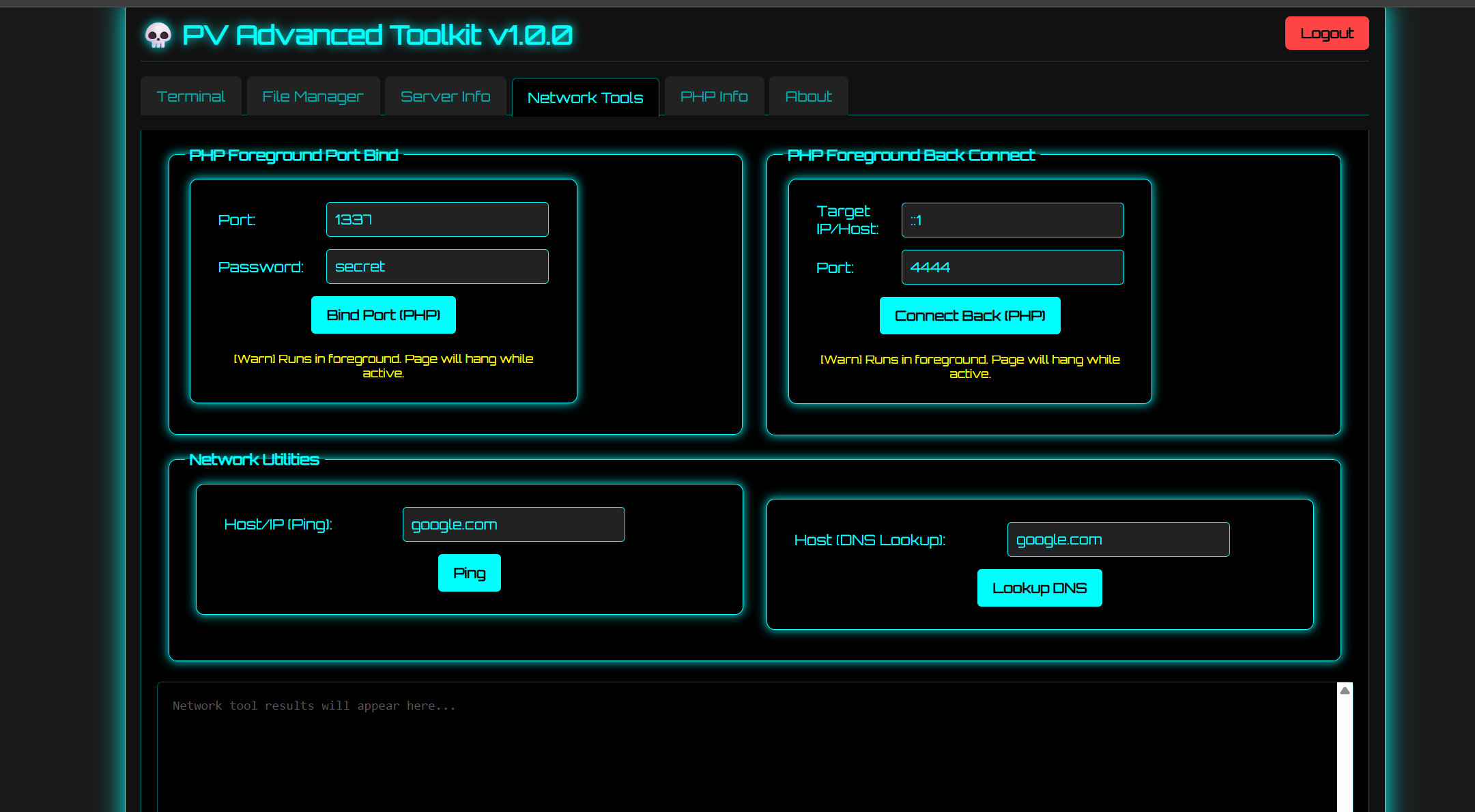
-
PHP Info Display:
- Shows the full output of
phpinfo()in an isolated iframe for detailed PHP environment inspection.
- Shows the full output of
-
Deployment:
- Upload the single
pv-shell.phpfile to your target web server. - Access the file through your web browser.
- Upload the single
-
Configuration (Optional):
- Edit the PHP file to set your own security parameters.
- Password: Change the default password by modifying the
$default_password_hash. Find an MD5 generator to hash your new password.// Default password hash using MD5 for 'myp@ssw0rd' $default_password_hash = '2ebba5cd75576c408240e57110e7b4ff';
- IP Whitelisting: To restrict access to specific IP addresses, populate the
$WHITELISTED_IPSarray.$WHITELISTED_IPS = array('192.168.1.10', '127.0.0.1');
- User-Agent Whitelisting: To restrict access to specific browsers or tools, populate the
$WHITELISTED_USER_AGENTSarray.$WHITELISTED_USER_AGENTS = array('MyCustomBrowser', 'SpecialToolAgent');
-
Login:
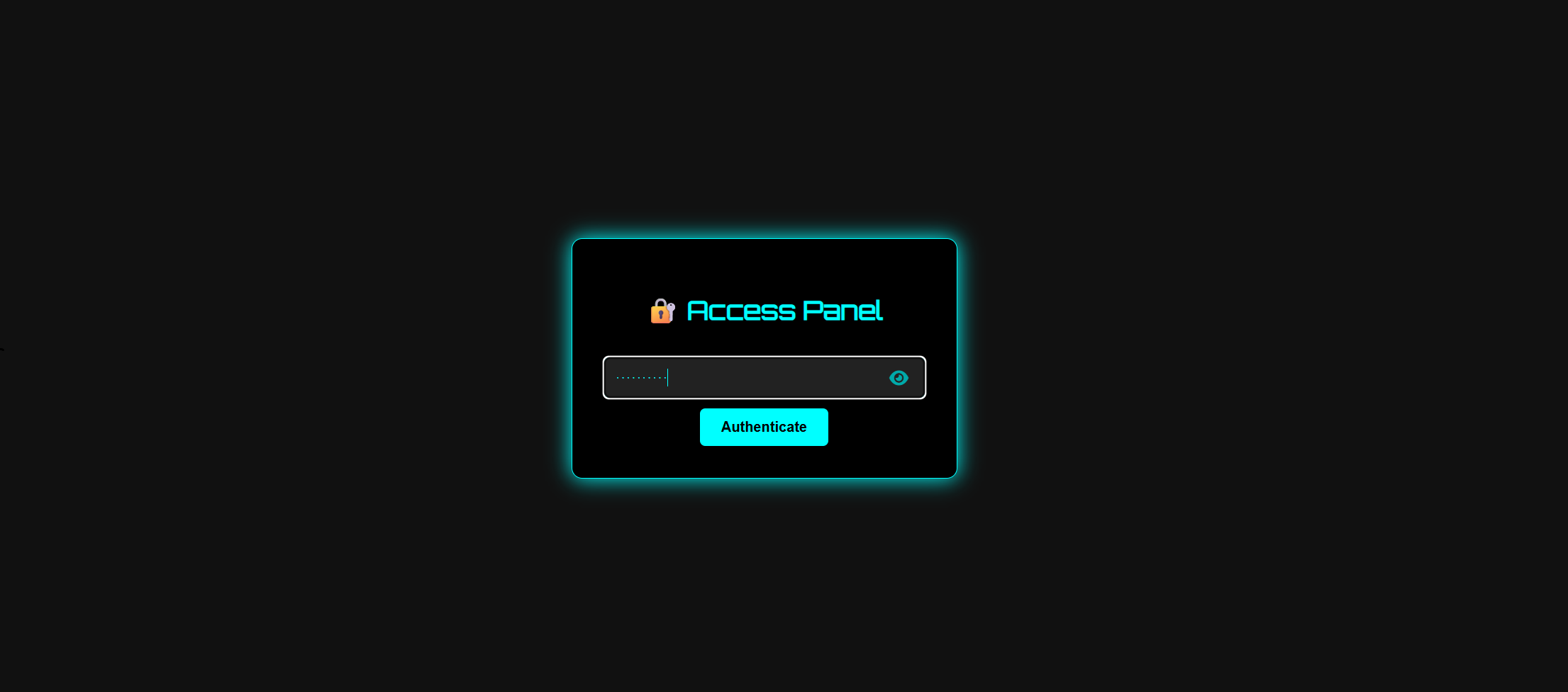
- Navigate to the URL of the script.
- Enter the configured password to authenticate and access the toolkit.
FOR ETHICAL AND AUTHORIZED USE ONLY.
This tool is provided for educational and legitimate system administration purposes. The user is solely responsible for any actions performed using this tool. The author is not responsible or liable for any damage, misuse, or illegal activity. Use at your own risk and ensure you have proper authorization before using it on any system.