Install dependencies
pnpm iInstall playwright browsers
pnpm exec playwright installRun Storybook in the project root
pnpm run storybookRun RTL && Jest in the project root
pnpm testRun all Playwright tests
pnpm exec playwright testRun single Playwright tests
pnpm exec playwright test (name of file)Search for and open settings.json by pressing cmd+shift+p on MacOS or ctrl+shift+p on Windows.
Important
There may be multiple options, ensure you select the option that says "Open User Settings (JSON)
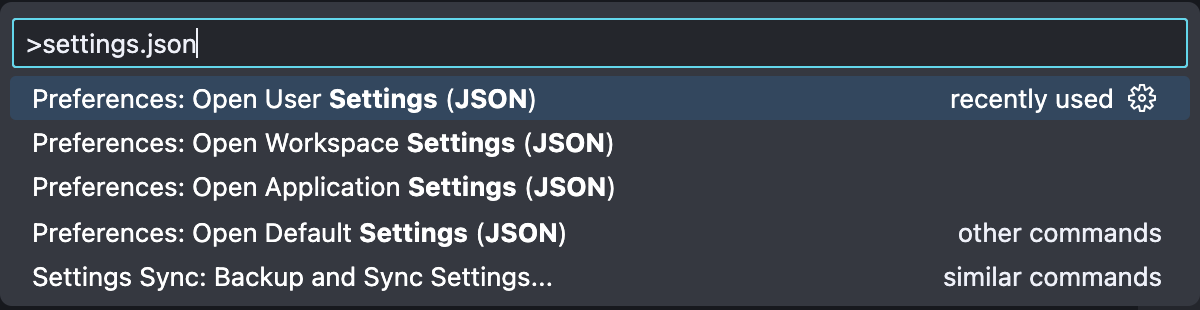
Add the following lines to your settings.json
"editor.defaultFormatter": "esbenp.prettier-vscode",
"editor.formatOnSave": true,
Open a file and save it, you should see formatting changes made as soon as you save it!