Skip to content

carloscuesta/sprinkles-vscode

sprinkles-vscode

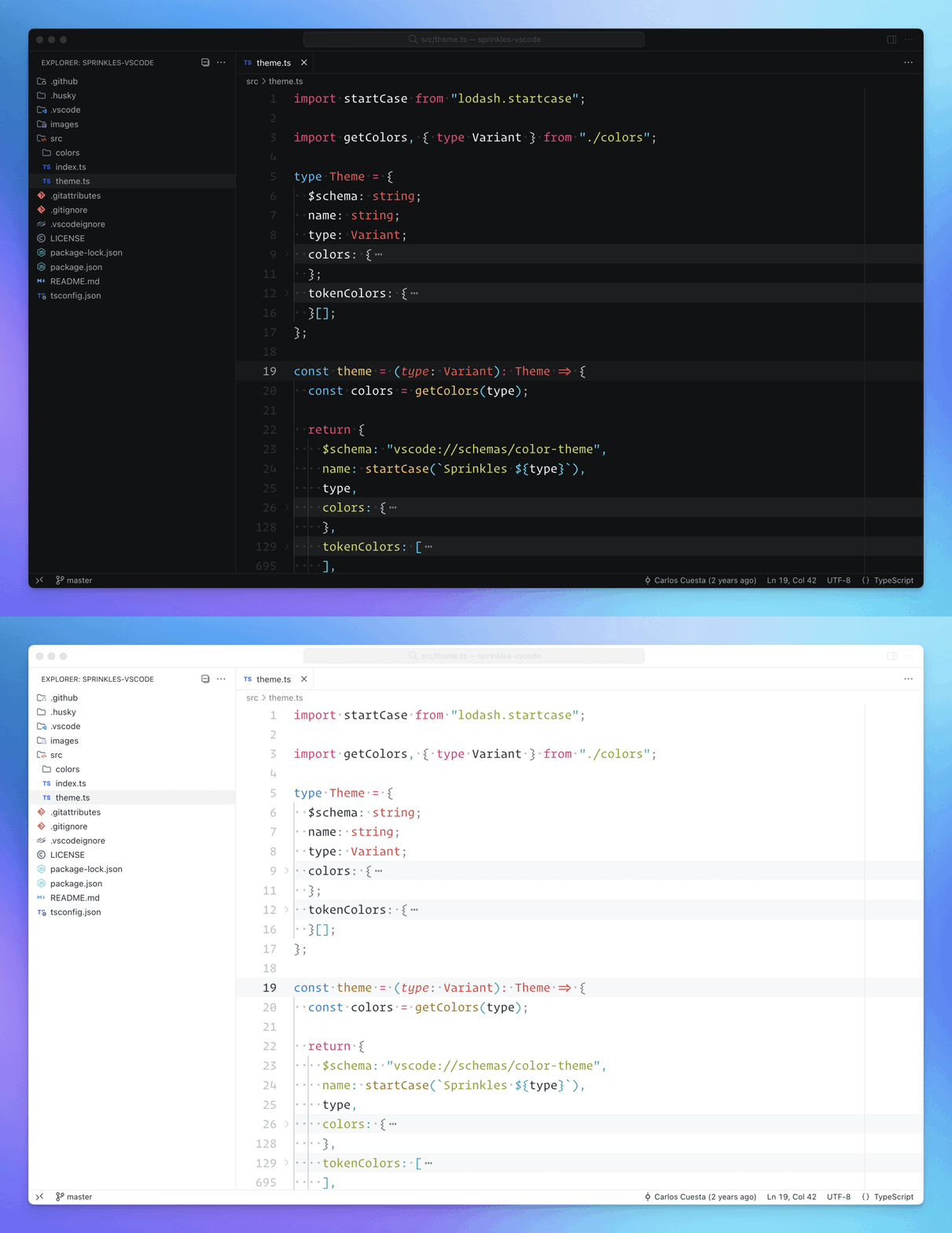
A sprinkled syntax theme with vibrant pops of colors 🍩

Build Status License Visual Studio Marketplace Version

sprinkles-vscode

Install

  1. Open Command Palette > Install Extensions
  2. Search for sprinkles-theme and install

Module

You can also install the theme as a node module:

npm install sprinkles-vscode

Usage

VSCode

  1. Open Command Palette > Preferences: Color Theme
  2. Select Sprinkles from the dropdown

Module

You can import the theme anywhere by installing it as a dependency:

import dark from "sprinkles-vscode/themes/sprinkles-dark.json";
import light from "sprinkles-vscode/themes/sprinkles-light.json";
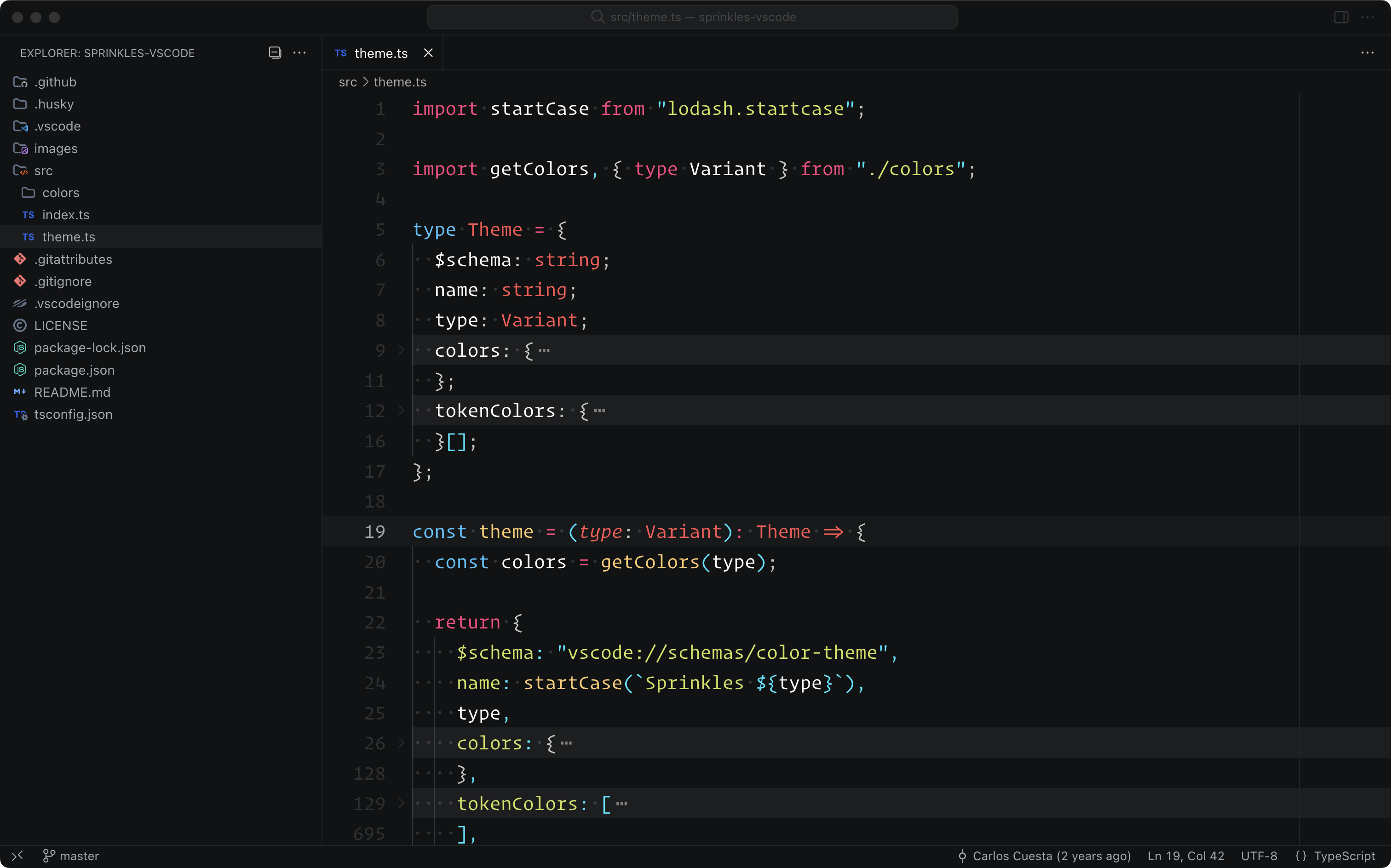
Screenshots

Dark

Sprinkles Theme VSCode Dark

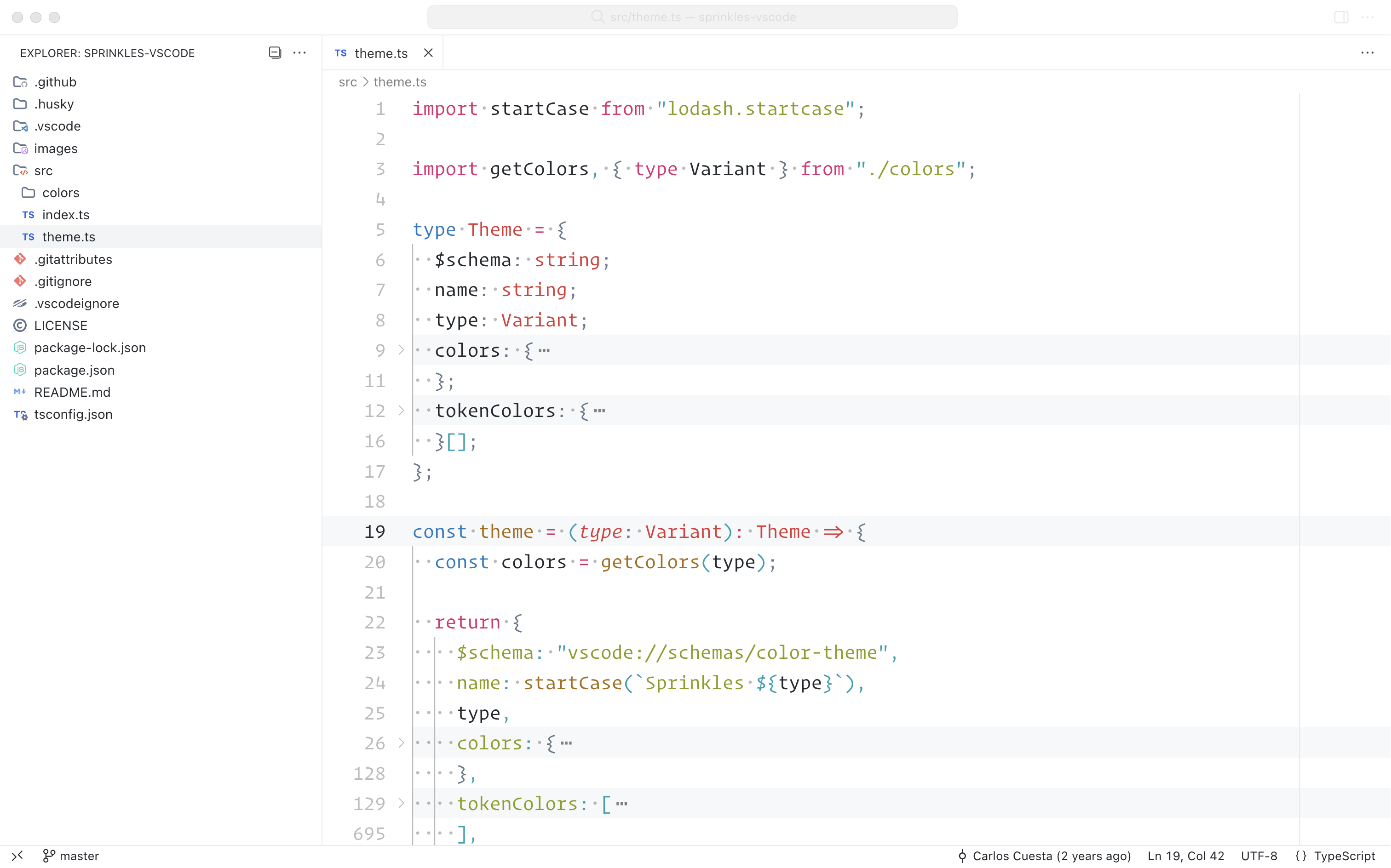
Light

Sprinkles Theme VSCode Light

Colors

sprinkles-vscode colors

About

A sprinkled syntax theme with vibrant pops of colors for VSCode.

Topics

Resources

License

Code of conduct

Contributing

Stars

Watchers

Forks

Sponsor this project

  •  

Contributors 2

  •  
  •